How to upload a file to your 4shared account on the Web?
It’s fast and easy to upload files to your 4shared account on the Web:
- Open 4shared.com in your web browser.
- Log in your 4shared account.
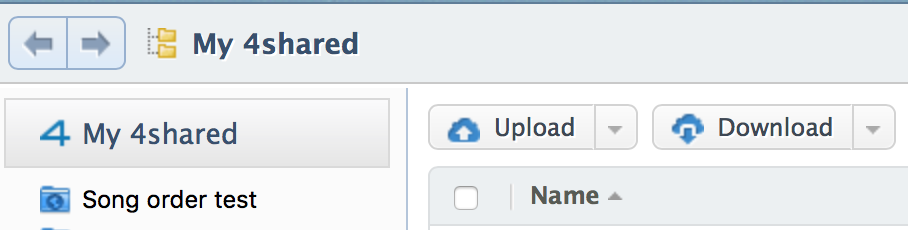
- Click Upload either at the bottom or select the Upload option from the upper menu.
- Select the file you wish to upload in the opened pop-up window and click Open.
How to upload a folder to your 4shared account on the Web?
It’s effortless to upload folders to your 4shared account on the Web:
- Open 4shared.com in your web browser.
- Log in your 4shared account.
- Click Upload folder either at the bottom of the page.
- Select the folder you wish to upload in the opened pop-up window and click Open.
What is the maximum file size limit for upload at 4shared?
As a free user, you can upload files up to 2 GB each.
If you wish to upload larger files (up to 100 GB each), you will need to upgrade your 4shared account to Premium.
Which files can be uploaded and stored?
You can only upload files that meet 4shared Terms of Use. Any illegal, pornographic, copyrighted materials are prohibited for upload, so are the files containing malware and viruses.
How many files can a user upload?
There are no restrictions on the amount of data that user can upload to their 4shared accounts. That is, you can upload as many files as you fish, as long as their total size doesn't exceed the size of your account storage space.
If you wish to increase the amount of storage space in your 4shared account, you need to upgrade to Premium.